When Spreadsheets Stop Working: A Practical Guide to ERP
The warning signs that your business has outgrown Excel, what an ERP system actually does, and how to move to one without disrupting daily work.
/ 5 min read
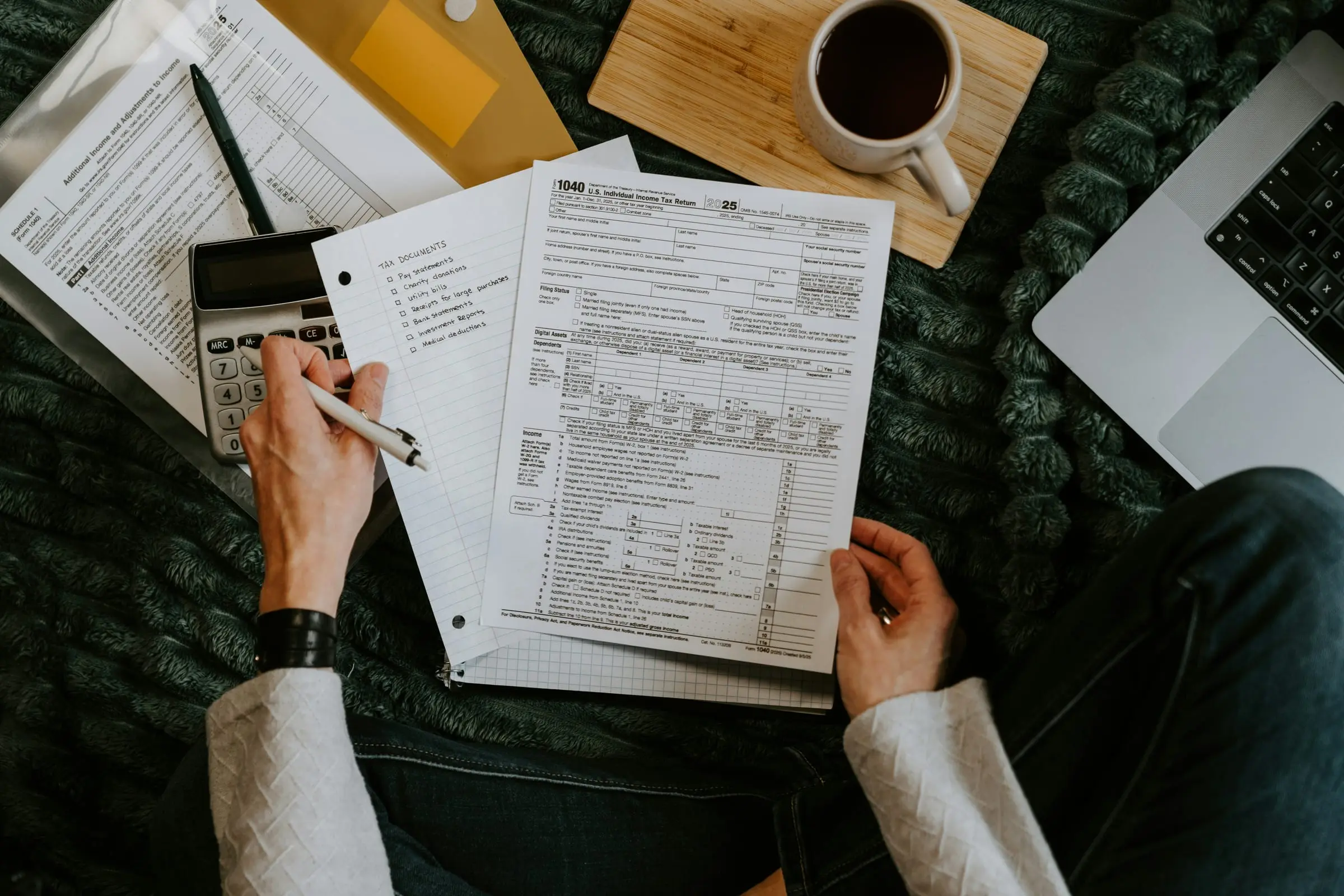
Almost every business we work with started on spreadsheets. That is not a mistake. A spreadsheet is free, flexible and familiar, and when you have one branch and five products, it is the right tool.
The trouble is that spreadsheets do not tell you when you have outgrown them. There is no error message. Things just get slower, mistakes creep in, and one day you realise the person who understands "the big Excel file" is the only thing holding your operations together.
This guide is for owners and managers who suspect they are at that point. We will cover the signs, what an ERP system actually is, and how to make the switch without bringing the business to a halt.
Six signs you have outgrown spreadsheets
You do not need all six. Two or three is usually enough to start planning.
1. Your numbers disagree with each other. Sales says one figure, the stock sheet says another, and the bank statement says a third. Someone spends the end of every month reconciling them by hand.
2. Only one person understands the file. If that person is sick or leaves, reports stop. Formulas break when anyone else touches them.
3. You are copying the same data into several places. A sale gets written in a receipt book, typed into a sales sheet, then deducted from a stock sheet. Every copy is a chance for a typo.
4. You cannot answer simple questions quickly. "What were our best-selling items last month at the second branch?" should take seconds, not an afternoon.
5. Stock goes missing and you cannot say where. Without a record of who moved what and when, shrinkage is invisible until it is serious.
6. You have opened a second location. Spreadsheets struggle the moment two places need to update the same numbers at the same time. Emailing files back and forth does not scale.
What an ERP system actually is
ERP stands for Enterprise Resource Planning, which is an unhelpful name. In plain terms, an ERP is one system where all your core business records live together: sales, purchases, stock, customers, suppliers, staff and finances.
The value is not any single feature. It is that everything is connected. When a sale is recorded:
- stock goes down automatically,
- the customer's history is updated,
- the revenue appears in your reports,
- and if stock falls below a level you set, someone is told to reorder.
Nobody types the same thing twice, so the numbers agree with each other by design.
A good ERP does not add work. It removes the work of copying, checking and reconciling.
Does a small business really need one?
"Enterprise" makes ERP sound like something only large companies buy. That used to be true when these systems cost a fortune and took a year to install. Today a business with ten staff and two branches can run on a focused ERP that does exactly what it needs and nothing more.
The question is not how big you are. It is how much time and money you are losing to manual work and errors. If a staff member spends two days a month reconciling figures, that is roughly a tenth of their salary going to work a system could do in seconds.
Off-the-shelf or custom?
There are two broad routes.
| Off-the-shelf ERP | Custom-built ERP | |
|---|---|---|
| Setup time | Days to weeks | Weeks to a few months |
| Upfront cost | Low | Higher |
| Ongoing cost | Monthly fee per user, often rising | Usually hosting and support only |
| Fit | You adapt to the software | The software fits how you work |
| Local needs | May not handle local payments or tax rules well | Built in from the start |
Off-the-shelf works well when your business is fairly standard. Custom makes sense when your process is what makes you competitive, when per-user fees are adding up, or when you need things like mobile money payments, local tax integration or offline use in areas with poor connectivity.
We are honest about this with clients. If an existing product fits, we will tell you to use it.
What to look for in any ERP
Whichever route you take, check for these:
- Role-based access. Cashiers should not see profit margins. Managers should not be able to delete sales.
- An audit trail. Every change should record who made it and when.
- Reports you can read. If you need a consultant to understand your own dashboard, it has failed.
- Data export. Your data belongs to you. You should be able to take it out in a standard format at any time.
- Works on the devices you have. A system that needs new computers for every branch is a hidden cost.
- Backups you do not have to think about. Automatic, off-site and tested.
How to move without chaos
The switch is where most ERP projects go wrong, and it is almost never because of the software. It is because the change is rushed. A calmer approach:
- Write down how work actually happens today. Not how it should happen. Follow a sale from the counter to the bank.
- Start with one area. Sales and stock are usually the best place to begin because they cause the most pain.
- Clean your data first. Moving a messy product list into a new system just gives you a faster mess.
- Run both side by side for a short period. Two to four weeks is usually enough to build confidence.
- Train the people who use it every day. The cashier matters more than the director here.
- Add the next area only when the first is stable.
The real goal
An ERP is not about technology. It is about being able to trust your own numbers, make decisions faster and stop depending on one person's memory or one fragile file.
If you are weighing this up, read our guide on choosing a POS system, since the two usually work together. And if you would like a second opinion on whether your business is ready, talk to us. We will give you a straight answer.